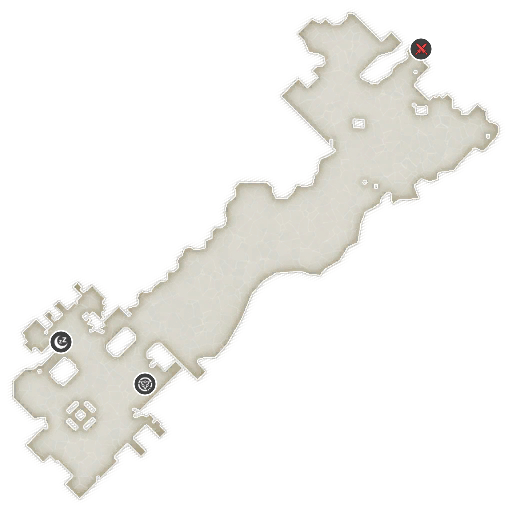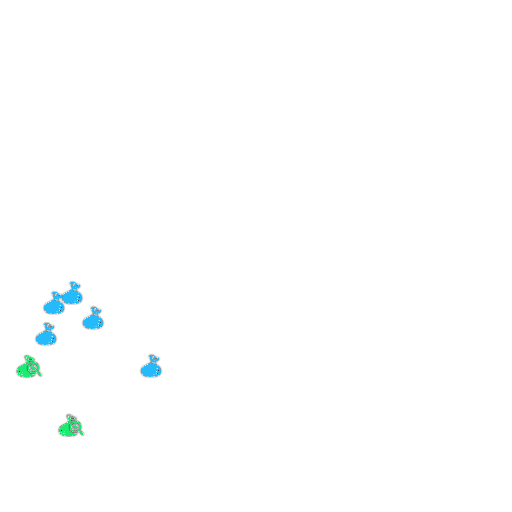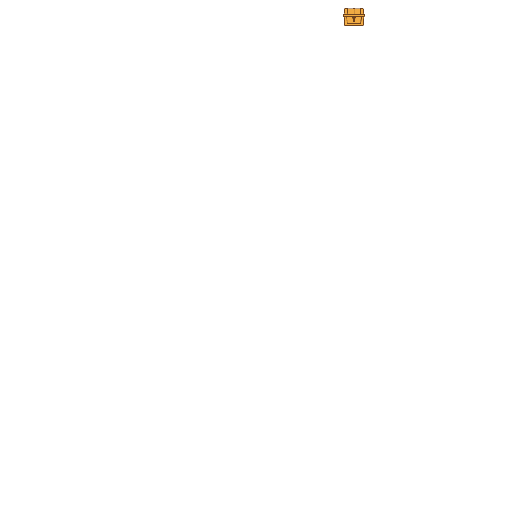
Collectibles and item locations on each map, highlighting treasure chests, material spots, and hidden elements.
Maps
- How To Use
After selecting the game card, you can select the icon type you want to see in the map filter, and after filtering the type, the map menu of that chapter will only leave the maps with that icon type in the menu.
If the map contains the type of investigation or treasure, and there is a detailed location image of that icon type, the map will have a button on the top right, click it to view the detailed location.
 E10. Chained Soldier2
 E9. Cruise Protocol
 E8. Meltdown Bunnies
 E7. Splash Queen
 E6. Goblin Slayer
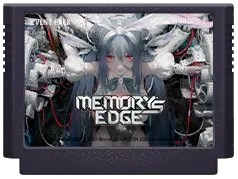 E5. Memory's Edge
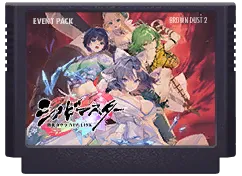 E4. SENRAN KAGURA
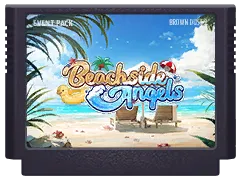 E3. Beachside Angel
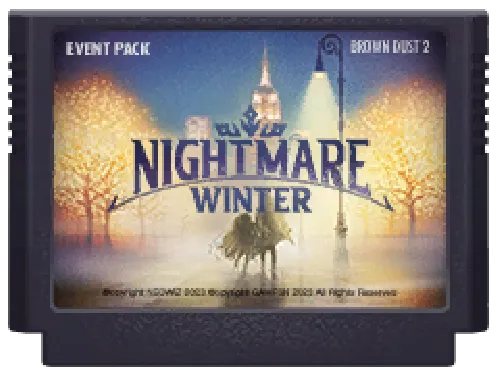 E2. Nightmare Winter
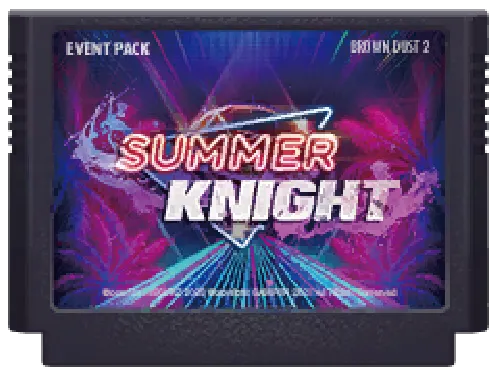 E1. Summer Knight
E10. Chained Soldier2
Safe